
How to Set Up a Smart Home? Step-by-Step Guide
How to Set Up a Smart Home? Step-by-Step Guide
With the rapid development of technology, our homes are becoming smarter every day. Today it is possible to control lights remotely, monitor security cameras from your phone, or automatically adjust your home's temperature. At this point, smart home systems provide significant advantages in terms of comfort, security, and energy efficiency.
So how do you build a smart home, what devices are needed, and where should you start? In this comprehensive guide, we explain how to set up a smart home step by step in the most effective way.
What Is a Smart Home?
A smart home is a house equipped with internet-connected devices that communicate with each other to automate and control various home functions.
Thanks to these systems, many devices in the home can be controlled remotely or operate automatically.
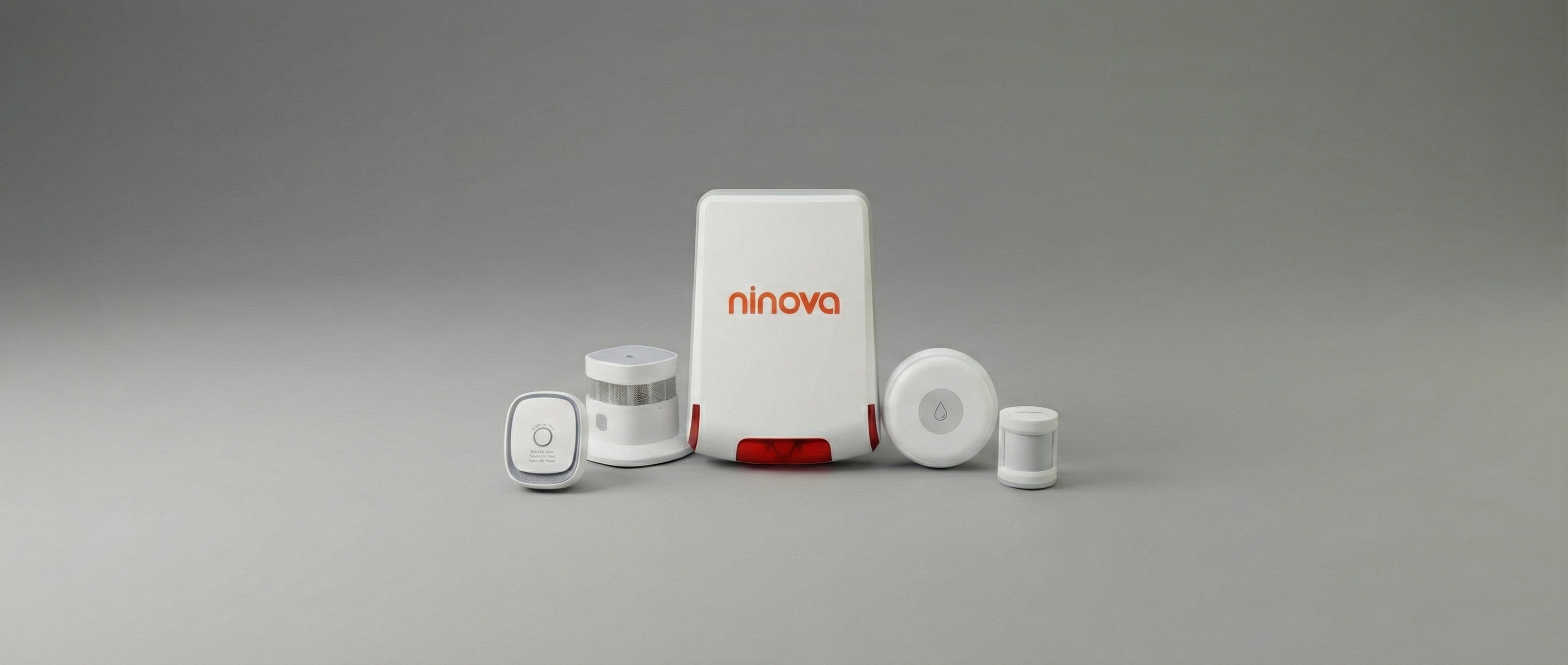
Common smart home devices include:
-
Smart bulbs
-
Smart plugs
-
Security cameras
-
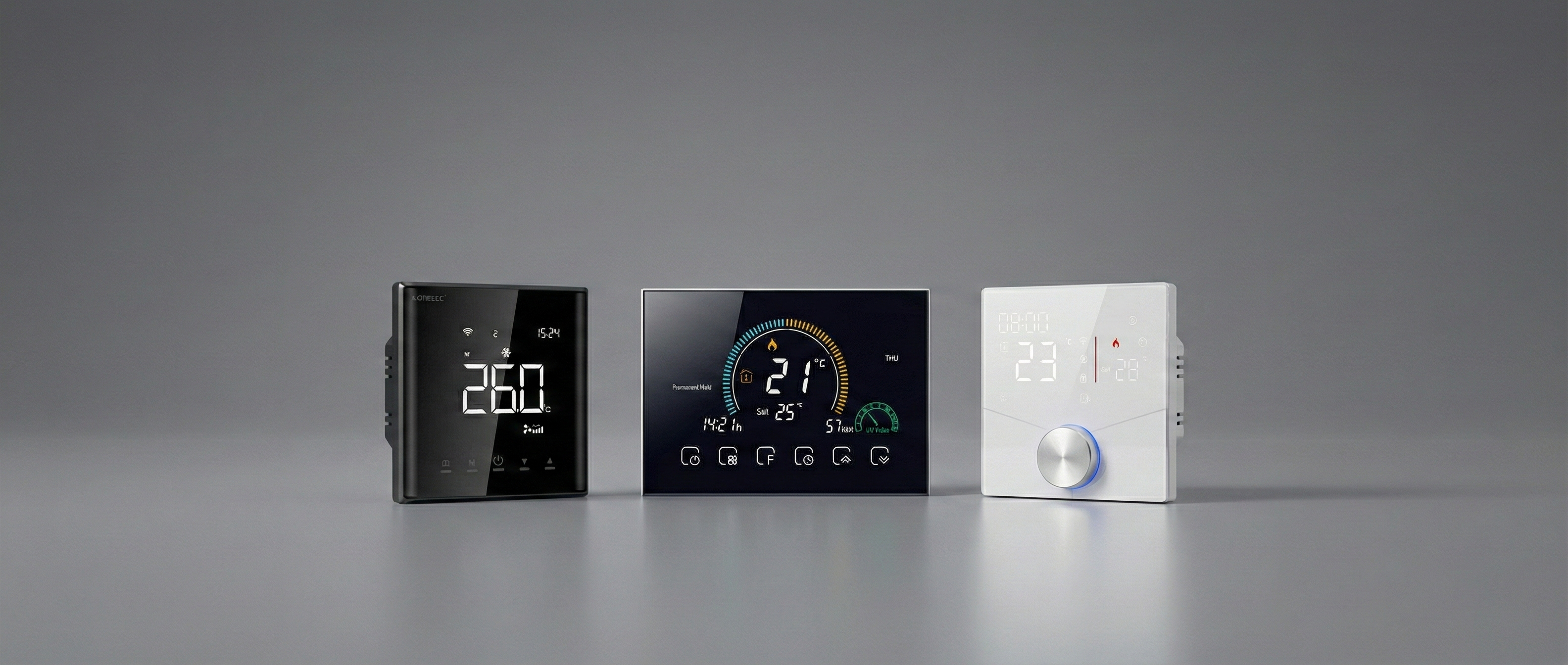
Smart thermostats
-
Motion sensors
-
Smart door locks
-
Voice assistants
These devices usually communicate through wireless protocols such as Wi-Fi, Zigbee, or Z-Wave.
Advantages of a Smart Home System
Smart homes are not only a technological innovation but also a solution that makes daily life easier.
Comfort
With smart home technology, many tasks can be performed with a single tap or voice command.
For example:
-
Turning lights on and off remotely
-
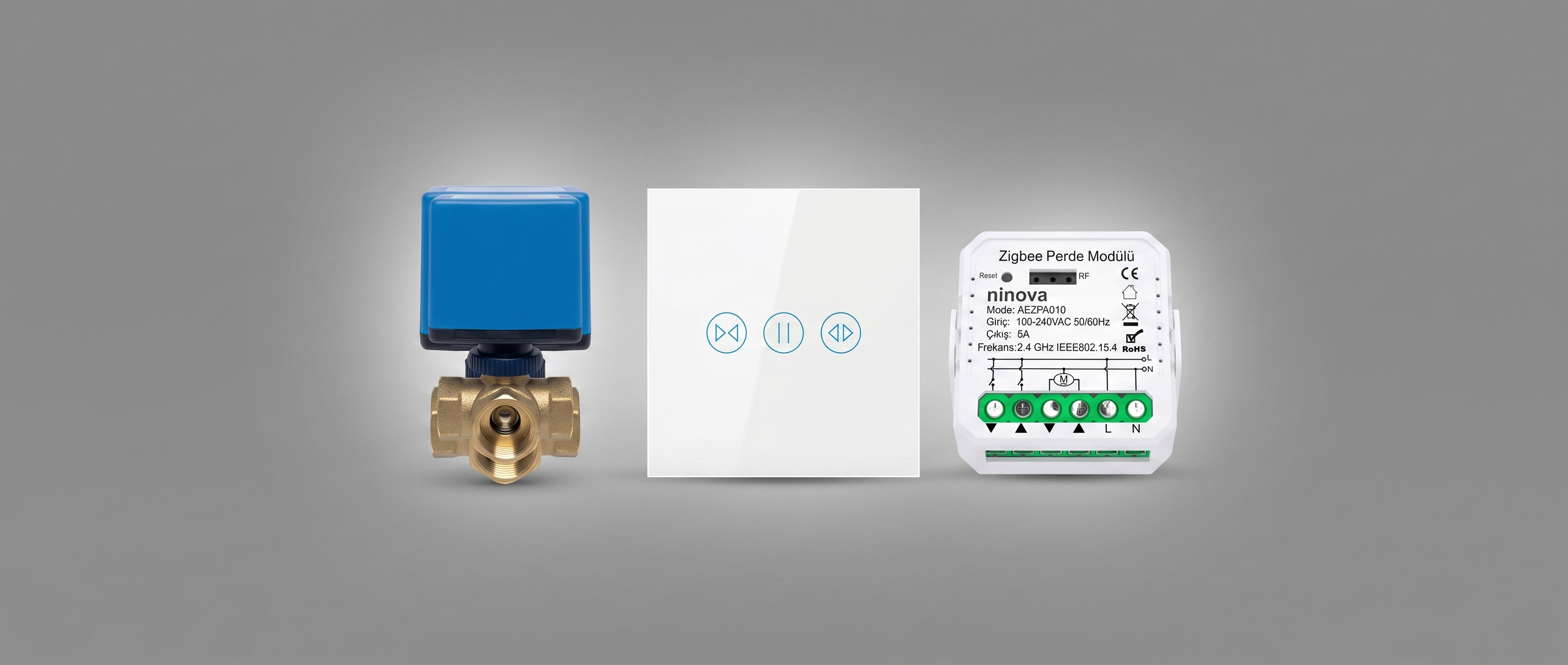
Automatically opening curtains
-
Starting air conditioning or heating systems from your phone
Security
Smart home systems significantly improve home security.
Main security features include:
-
Motion-detecting cameras
-
Door and window sensors
-
Remote monitoring
-
Smart alarm systems
These features allow homeowners to monitor their property from anywhere in the world.
Energy Efficiency
Smart devices optimize energy consumption and help reduce electricity and heating bills.
Examples include:
-
Automatically turning off unused lights
-
Optimizing heating systems
-
Tracking energy usage with reports
Things to Consider Before Setting Up a Smart Home
Before transitioning to a smart home system, some planning is necessary.
1. Analyze Your Needs
Every home has different needs. First, decide which areas you want to automate.
Common smart home areas include:
-
Security
-
Lighting
-
Heating and cooling
-
Entertainment systems
-
Energy management
2. Set a Budget
The cost of a smart home setup depends on the number of devices installed.
Approximate starting costs:
-
Basic system: $150 – $500
-
Mid-range system: $500 – $2,000
-
Professional system: $2,000+
3. Choose a Smart Home Ecosystem
When building a smart home, it is important that all devices are compatible within the same ecosystem.
Popular smart home platforms include:
-
Google Home
-
Amazon Alexa
-
Apple HomeKit
Choosing the right ecosystem ensures that all devices work together seamlessly.
How to Set Up a Smart Home (Step by Step)
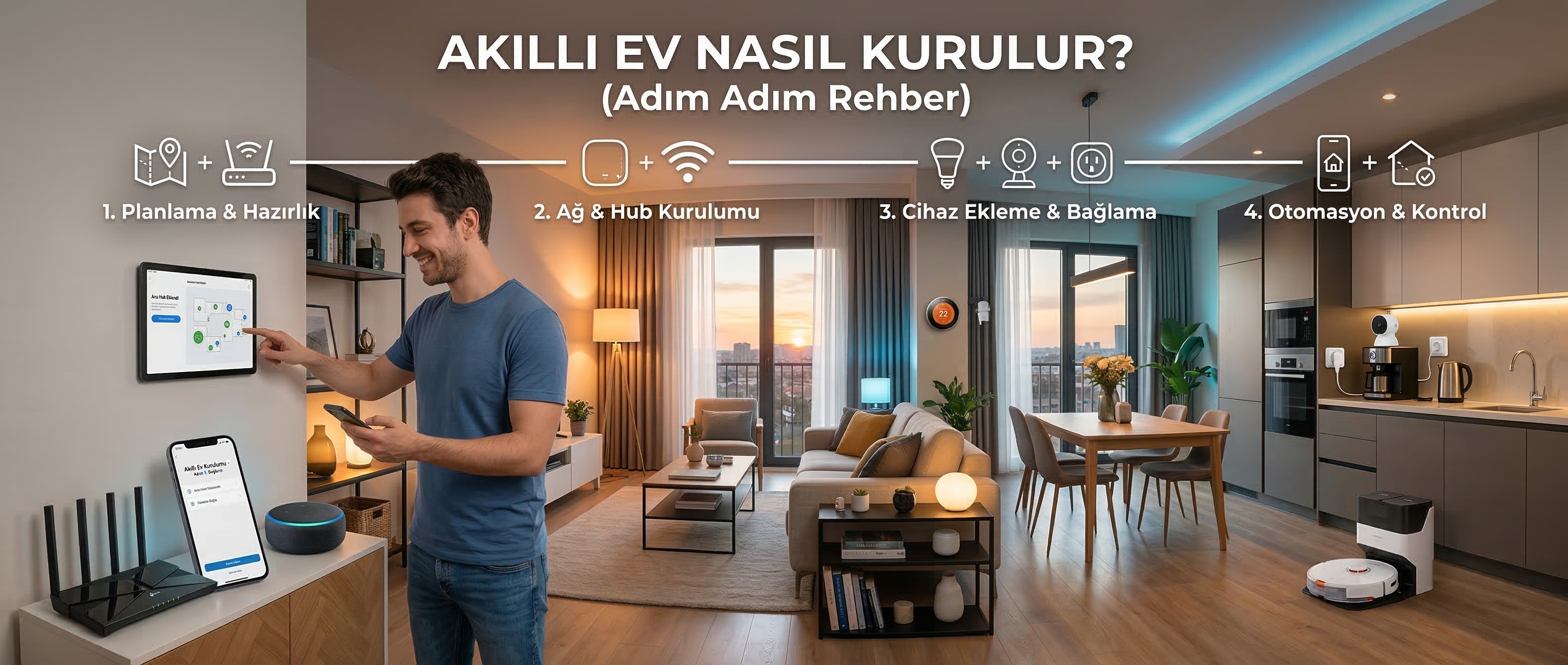
You can follow the steps below to create a reliable and efficient smart home system.
1. Build a Strong Internet Infrastructure
The foundation of a smart home is a stable internet connection.
For best performance:
-
Use a high-quality modem/router
-
Consider a mesh Wi-Fi system for large homes
-
Choose routers that support both 2.4 GHz and 5 GHz
Weak internet connectivity may cause delays or device disconnections.
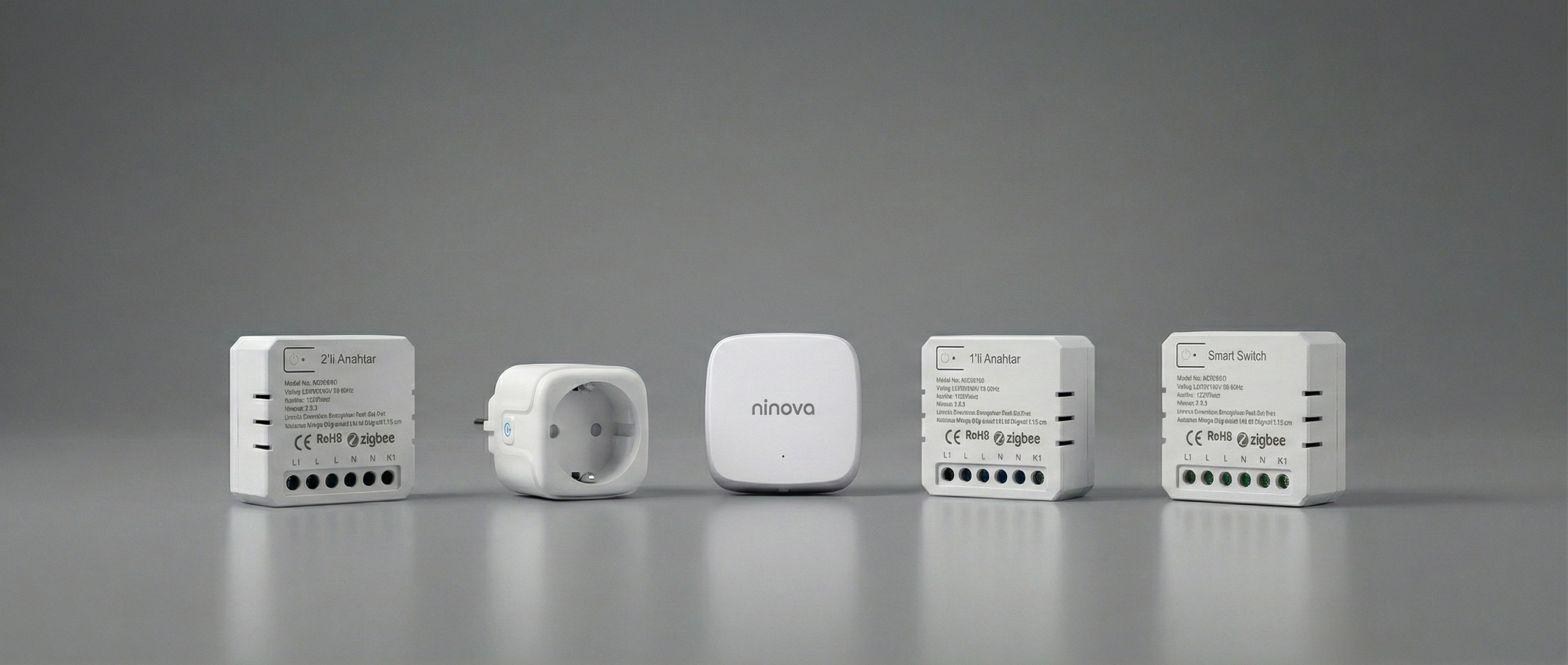
2. Choose a Smart Home Hub
Some smart devices connect directly via Wi-Fi, while others require a smart home hub.
A hub acts as the central system connecting all smart devices.
Advantages of using a hub include:
-
More stable connectivity
-
Faster automation
-
Support for more devices
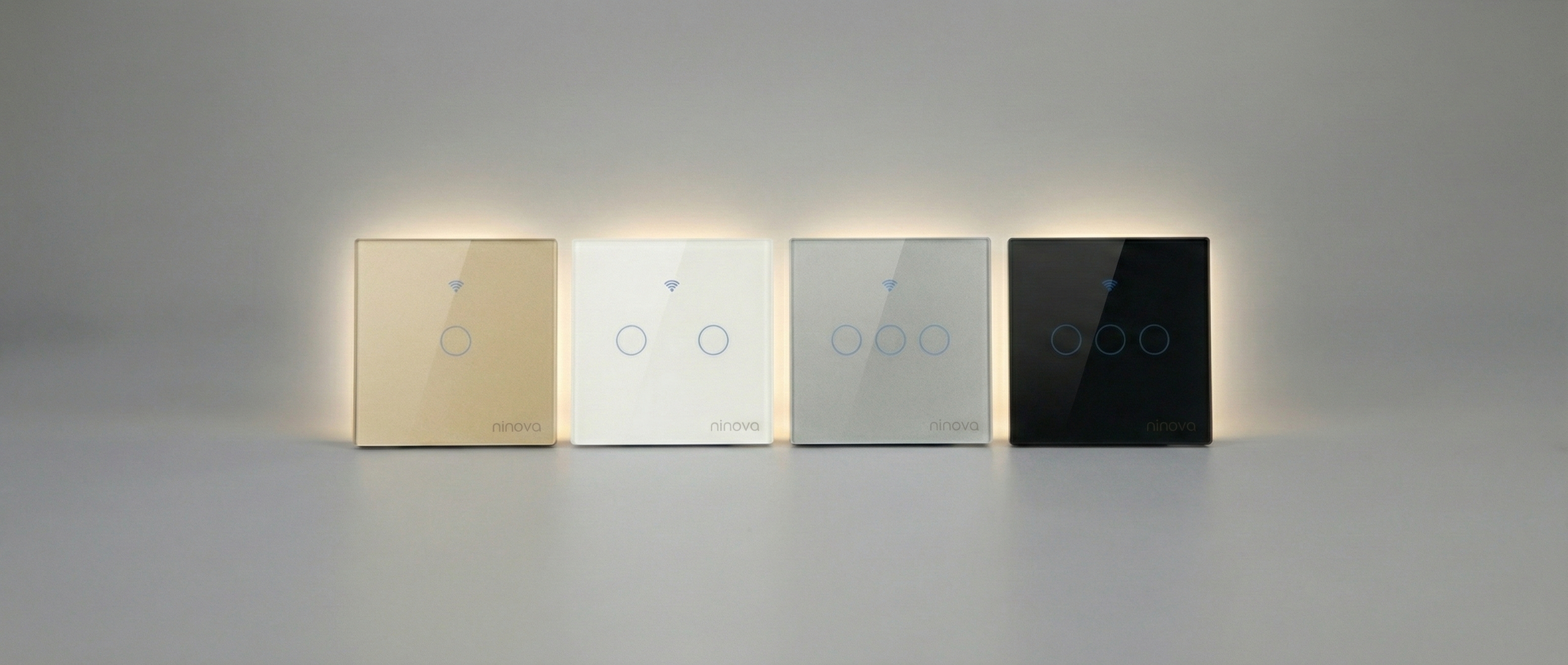
3. Install Smart Lighting
The easiest way to start building a smart home is with smart lighting.
Smart bulbs allow you to:
-
Control lights using a mobile app
-
Change colors
-
Set schedules
-
Automate lighting based on routines
Installation is very simple:
-
Remove the old bulb
-
Install the smart bulb
-
Connect it through a mobile app
4. Use Smart Plugs
Smart plugs turn ordinary devices into smart devices.
Common use cases:
-
Turning on a coffee machine remotely
-
Automatically switching off televisions
-
Monitoring electricity usage
Installation steps:
-
Plug the smart plug into the outlet
-
Add it to the mobile application
-
Connect it to Wi-Fi
5. Install Smart Security Systems
Security is one of the most important aspects of smart homes.
Popular smart security devices include:
-
Smart security cameras
-
Door and window sensors
-
Motion detectors
-
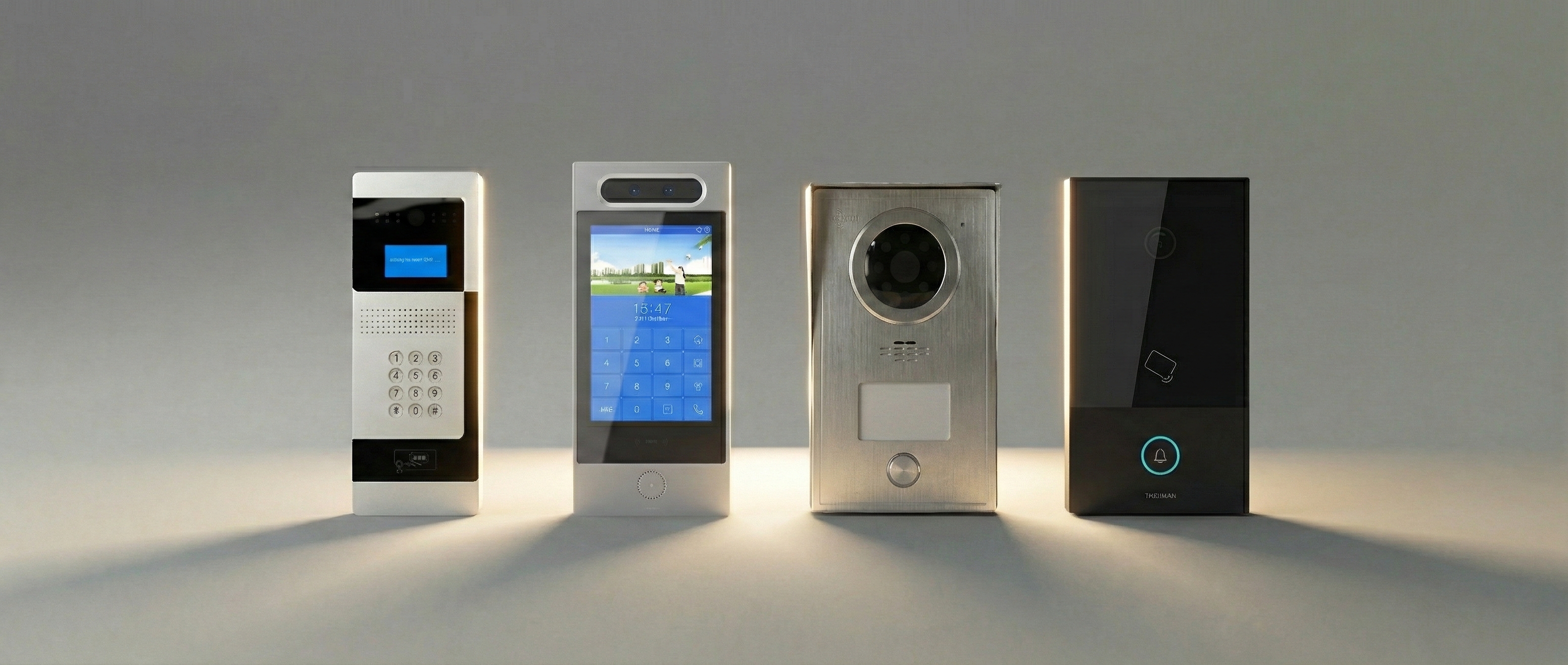
Smart video doorbells
These systems allow homeowners to monitor their homes from anywhere.
6. Install a Smart Thermostat
Smart thermostats automatically regulate your home’s temperature.
Benefits include:
-
Energy savings
-
Remote temperature control
-
Programmable schedules
For example:
-
Heating the home before you wake up
-
Lowering the temperature at night
7. Integrate Voice Assistants
Voice assistants complete the smart home experience.
Examples of voice commands:
-
“Turn off the lights”
-
“Set the living room temperature to 22 degrees”
-
“Show the front door camera”
Voice assistants allow you to control all smart devices from a single interface.
Smart Home Automation Scenarios
One of the most powerful features of smart homes is automation scenarios.
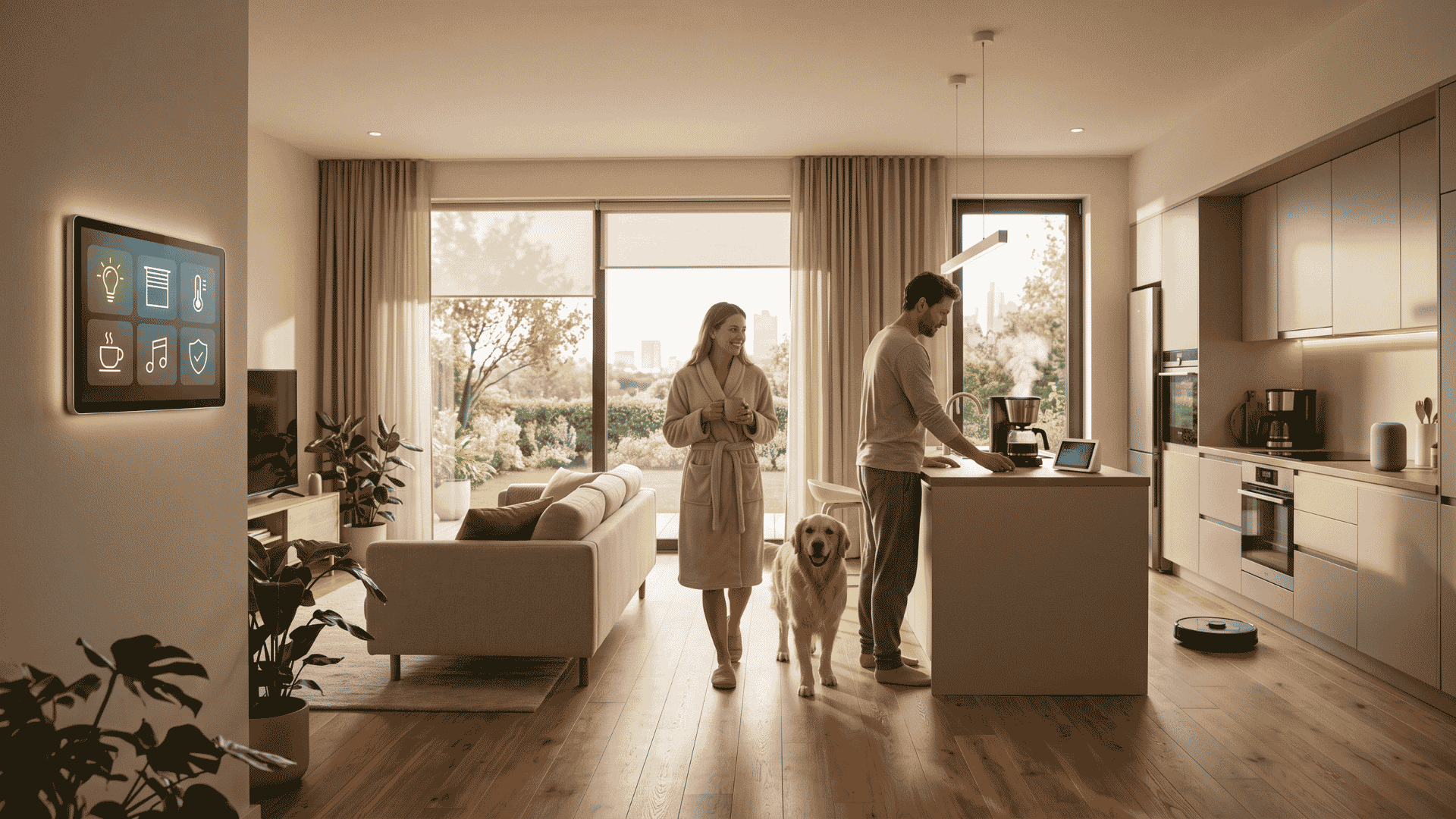
Morning Routine
When your alarm goes off:
-
Curtains open automatically
-
Coffee machine starts brewing
-
Lights gradually turn on
Leaving Home Mode
When leaving the house:
-
All lights turn off
-
Doors lock automatically
-
Alarm system activates
Night Mode
Night mode can include:
-
Dimming lights
-
Locking doors
-
Activating security cameras
Common Mistakes When Building a Smart Home
Avoiding these mistakes can make your smart home setup much more efficient.
Choosing Incompatible Devices
Some devices from different brands may not work well together.
Always check device compatibility before purchasing.
Weak Wi-Fi Coverage
Smart devices rely heavily on internet connectivity.
Poor Wi-Fi coverage can cause connection issues.
Buying Too Many Devices at Once
Many users purchase unnecessary devices.
It is better to start with a basic setup and expand gradually.